
Your brand. Their experience. One simple scan.
Create branded Google review cards
that look like your business.
Your Google review link, your logo, your colors.
One thoughtfully designed QR card, personalized for you.
Personalized by us. Ready to share or print.
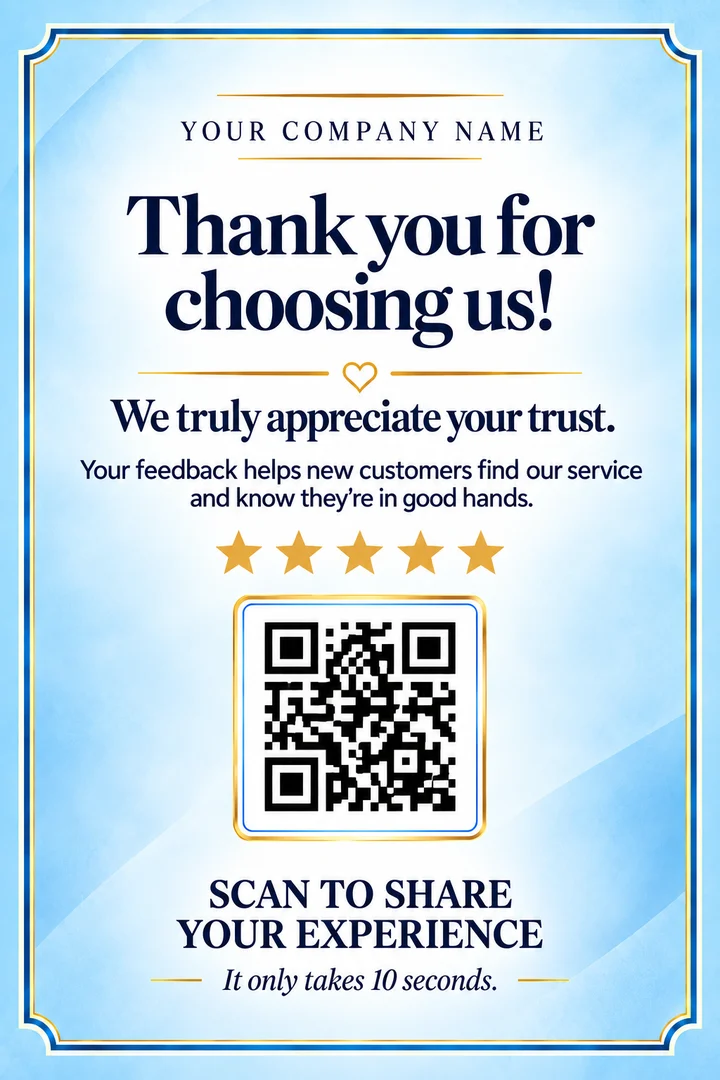
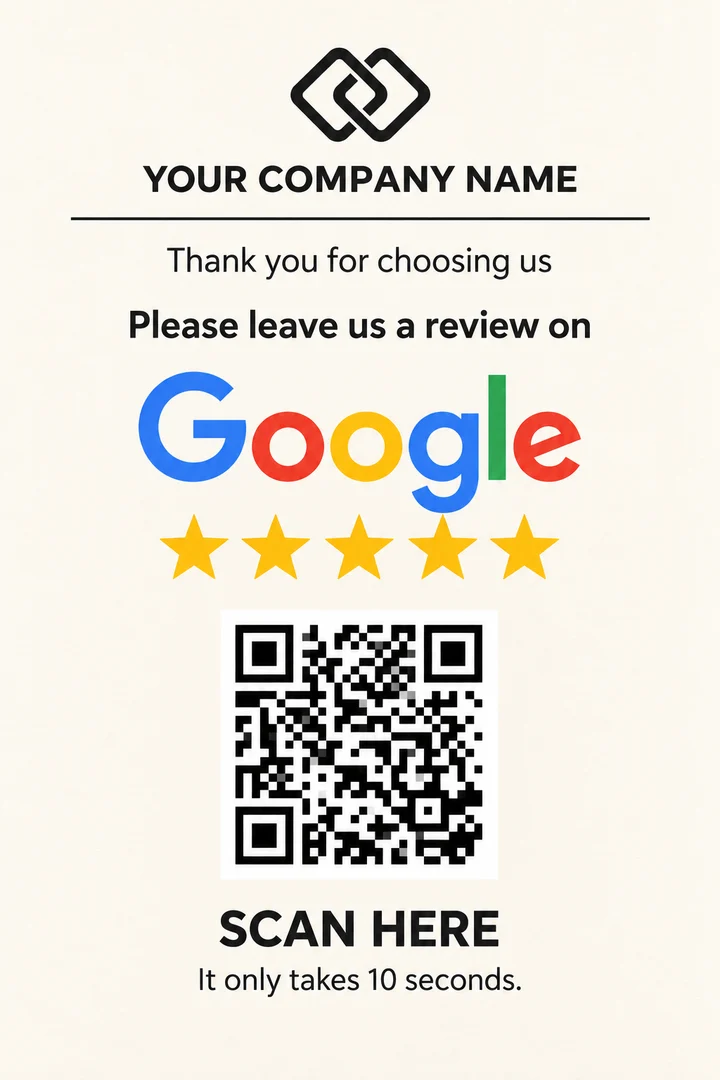
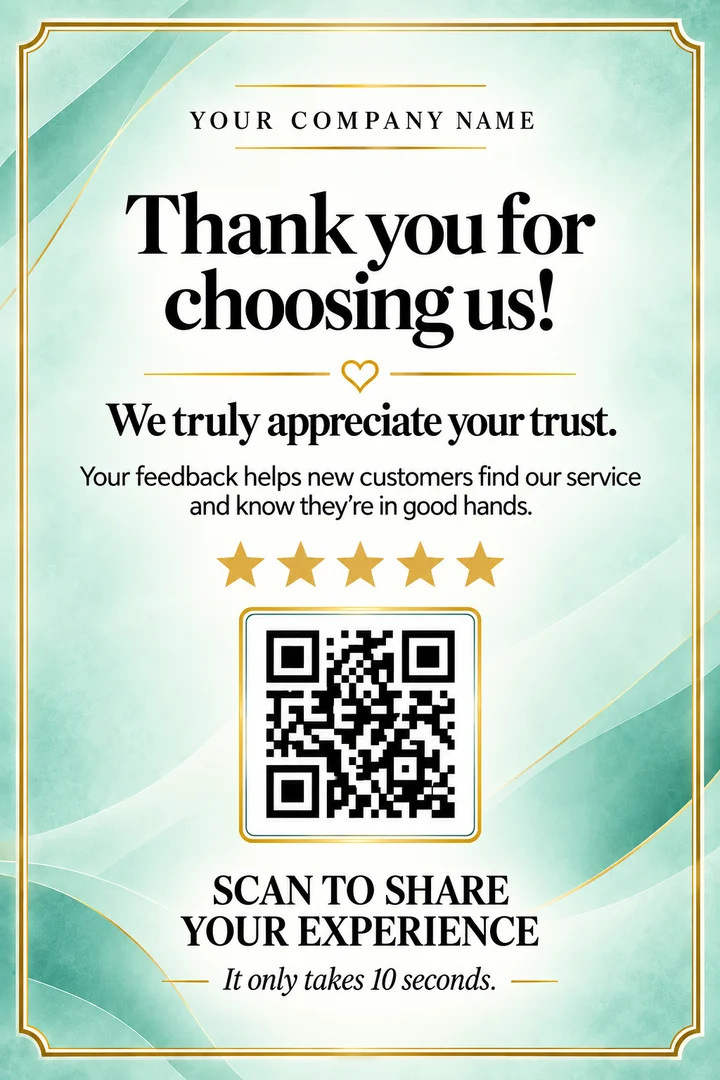
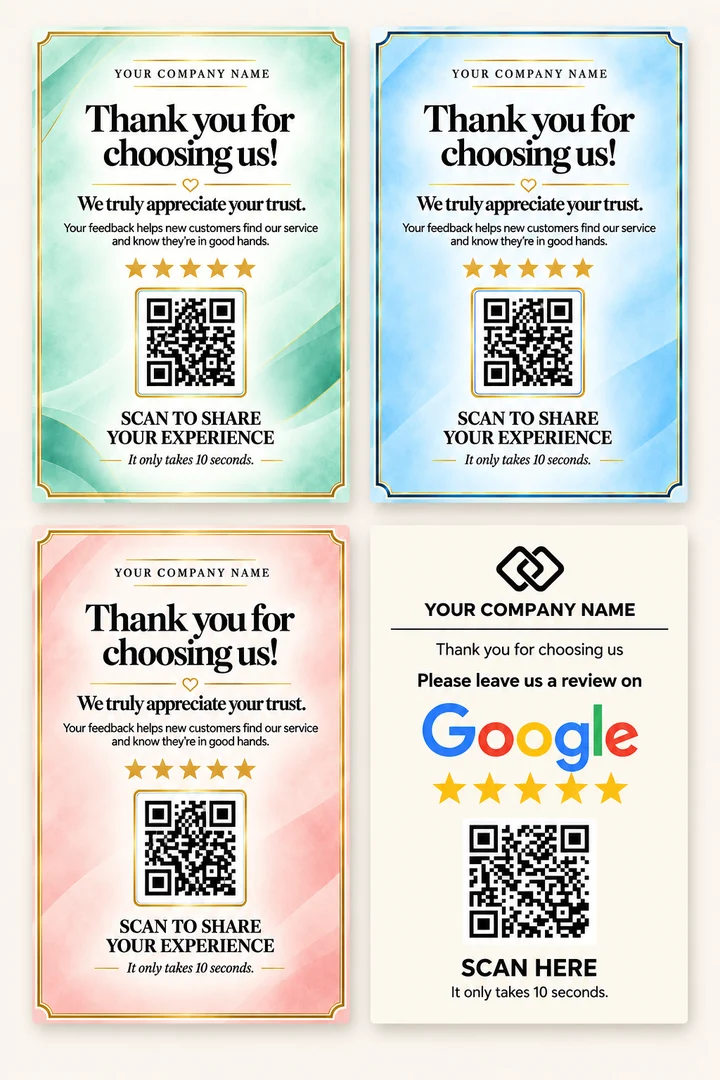
Google review card templates. Your business name, branding and review QR code are added when personalized.
A small card. A thoughtful invitation.
Make it easy to leave
an honest review.
Review Cards App creates branded Google review cards for local and small businesses. Each card turns your Google review link into a QR code that sends customers directly to the review page associated with your Google Business Profile, where they can share their experience.
HOW IT WORKS
Your business.
Beautifully put on a card.
We take care of the personalization. You take care of your customers.
- 01
Send your review link
Use the review-request link from your Google Business Profile.
- 02
Choose a design
Pick the template that feels right for your business.
- 03
Make it yours
Share your business name, logo and preferred brand colors.
- 04
Receive your card
Get your finished digital card and print-ready PDF, ready to use.
THOUGHTFULLY BRANDED
A review card that
belongs to your business.
A QR code opens a link.
Your branding makes the invitation yours.
Bring your logo, colors and a warm thank-you together in a card you can confidently hand to a customer. Clear wording tells them exactly what happens when they scan.
A familiar visual identity. A direct route to your Google review page. No extra steps designed to filter feedback.
FIND YOUR STYLE
Different businesses.
The same attention to detail.
A starting point for your brand, personalized with your details.
Elegant mint
Premium blue
Classic minimal
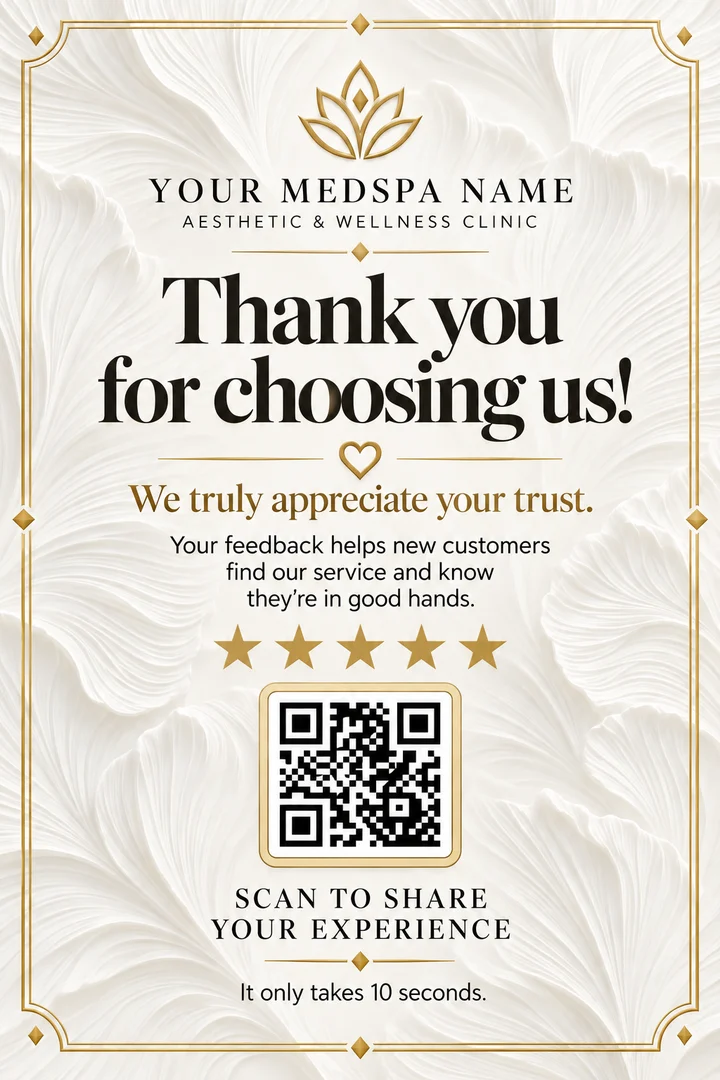
Pearl med spa
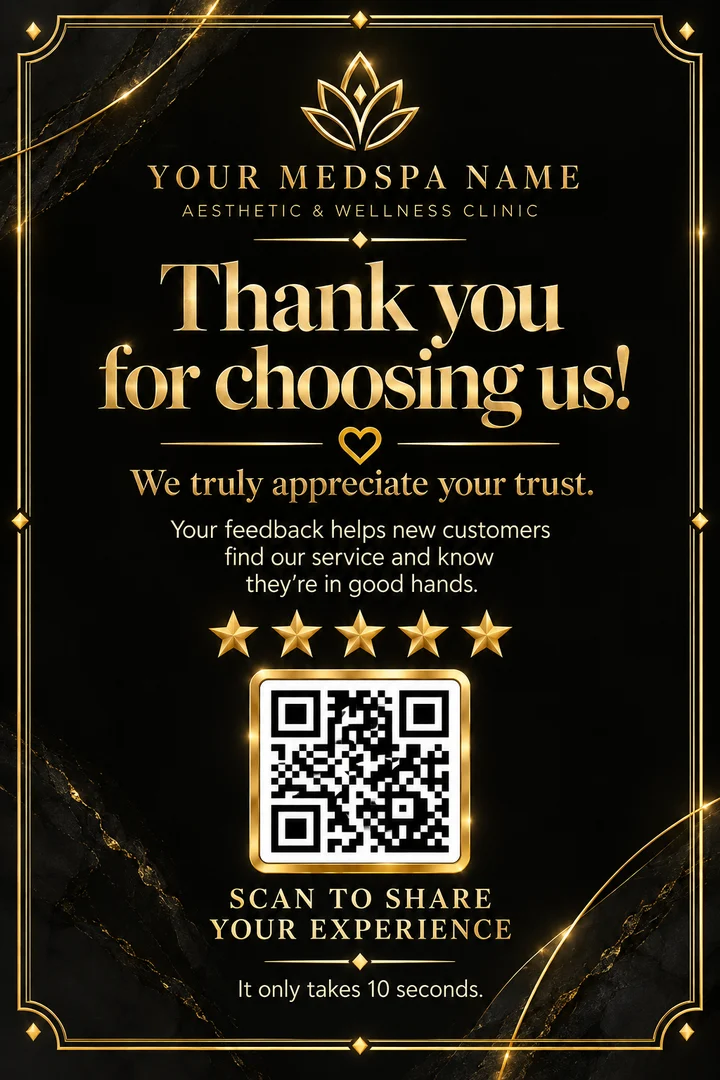
Onyx med spa
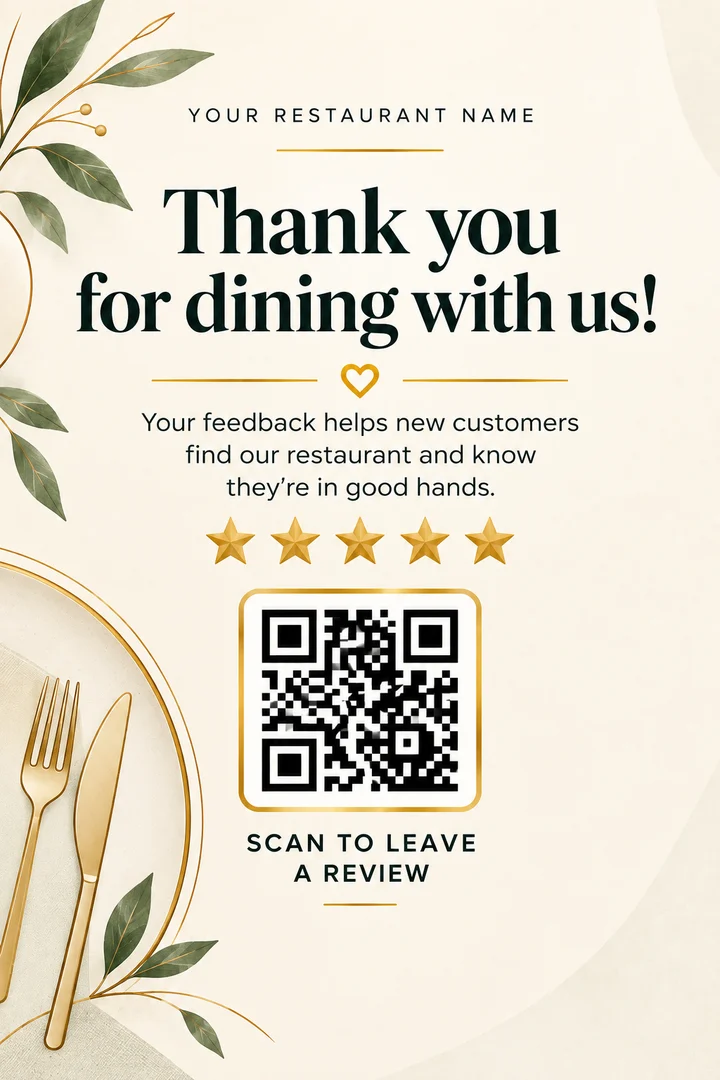
Olive & cream restaurant
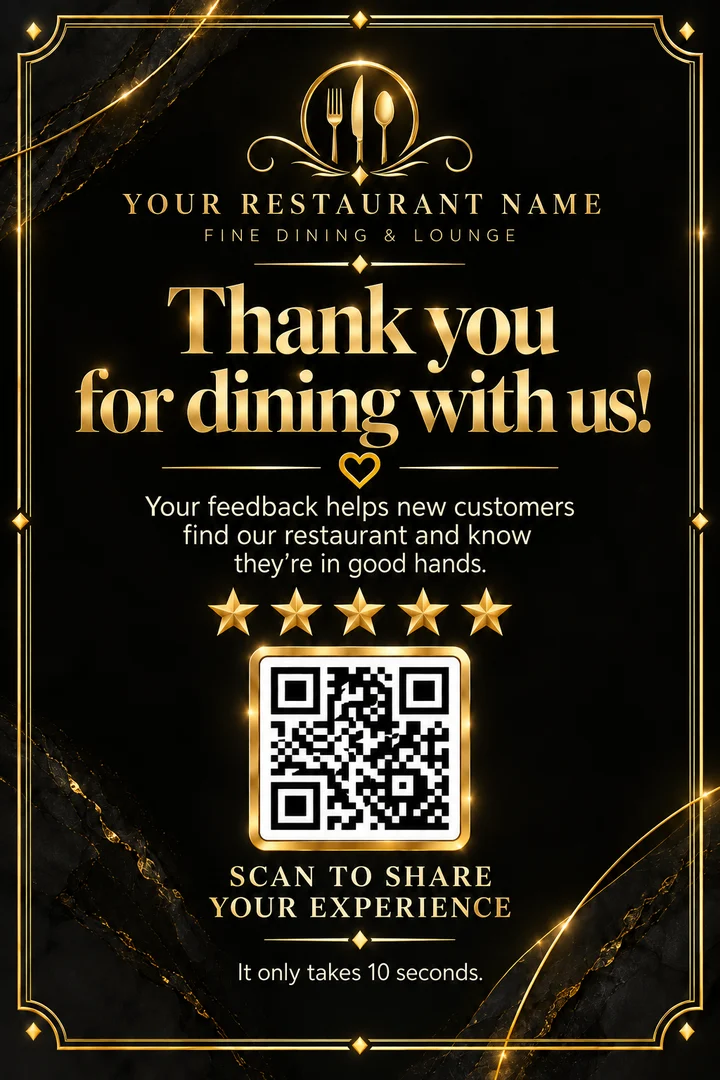
Black & gold restaurant
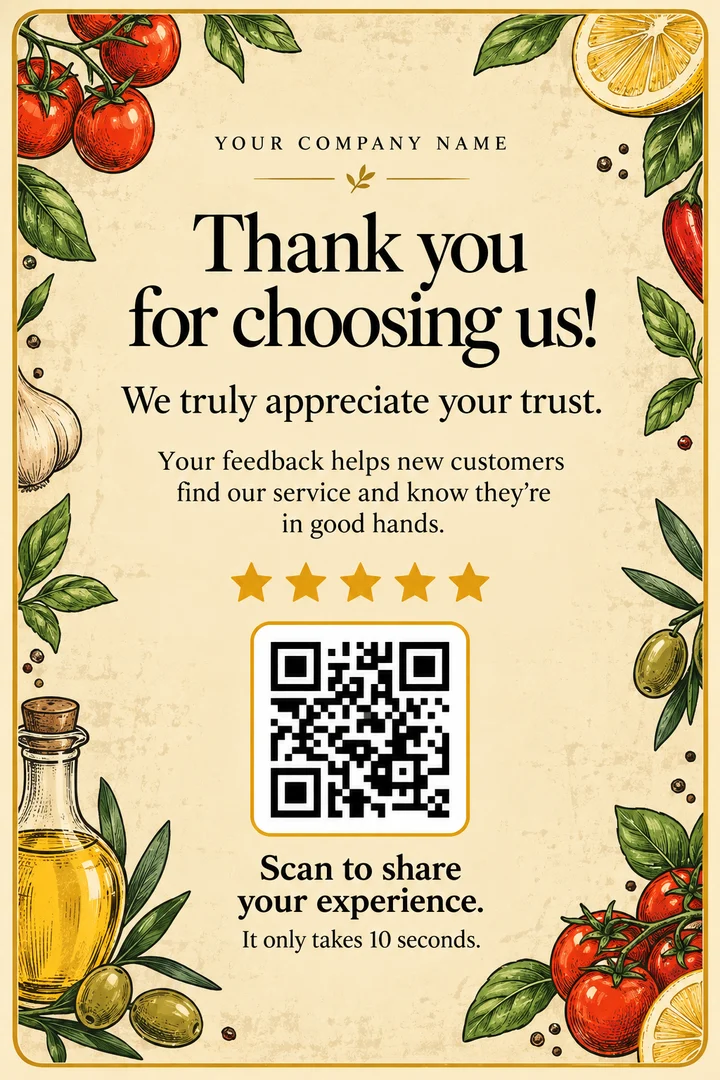
Rustic Italian restaurant
Preview templates only. The QR codes pictured are not your business’s review links. Star graphics are decorative, not customer ratings. Select any design to view it larger.
View the original Google review card template collection
PERSONALIZED CARDS • AVAILABLE NOW
Let us make
your review card.
While the self-service generator is being developed, we personalize your card for you. Choose your design and send your business details through the order process.
Made for your business
- Your business name and optional logo
- A design in your preferred colors
- A QR code linked to your Google review page
- A finished digital card and print-ready PDF
See the current price, delivery time and options in our Payhip store before ordering.
Order your cardSecure checkout via Payhip. Printing is not included.
COMING SOON
Your card.
Created by you.
The planned self-service generator will let you upload a logo, choose a template and brand colors, and enter your Google review link to create a branded QR review card.
It is not available yet. For a card today, use our personalized service.
BE FIRST TO KNOW
A little heads-up
when we launch.
A FEW GOOD QUESTIONS
Good to know.
What is a Google review card?
A Google review card is a physical or digital card containing a QR code that takes customers to the Google review page associated with a business’s Google Business Profile, where they can leave a review.
How does a Google review QR code work?
A customer scans the QR code with their phone camera and opens the link. It leads directly to your business’s Google review page. They may need to sign in to a Google Account before posting.
Where do I find my Google review link?
On your Google Business Profile, select Read reviews, then Get more reviews, and copy the review link. Send that review-request link rather than a general Maps listing URL. See Google’s instructions.
Can I add my business logo?
Yes. Send your logo when ordering and it will be incorporated into your chosen card design. You can also choose a card with your business name only.
Can I use my brand colors?
Yes. Your brand colors can be used in the design while keeping the QR code high contrast and easy to scan.
Can the card be printed?
Yes. The current service supplies a personalized digital card with a print-ready PDF. Print it yourself or use a print shop. Physical printing and shipping are not included unless your selected offer explicitly says so.
What does a card cost?
The current price and included options are shown in the Payhip store before purchase. No subscription is required for the manually personalized card service.
Is the self-service generator available?
Not yet. Cards are currently personalized manually. The planned generator will let you enter your review link, upload your logo, choose colors and create your card yourself.
Is Review Cards App affiliated with Google?
No. Review Cards App is an independent service and is not affiliated with or endorsed by Google.