With the bill
Place a small card in the bill presenter once the meal is complete. Let guests decide whether to scan before leaving or take it home.
FOR RESTAURANTS & CAFÉS
A warm thank-you at the end of a meal.
A simple invitation to share the experience.
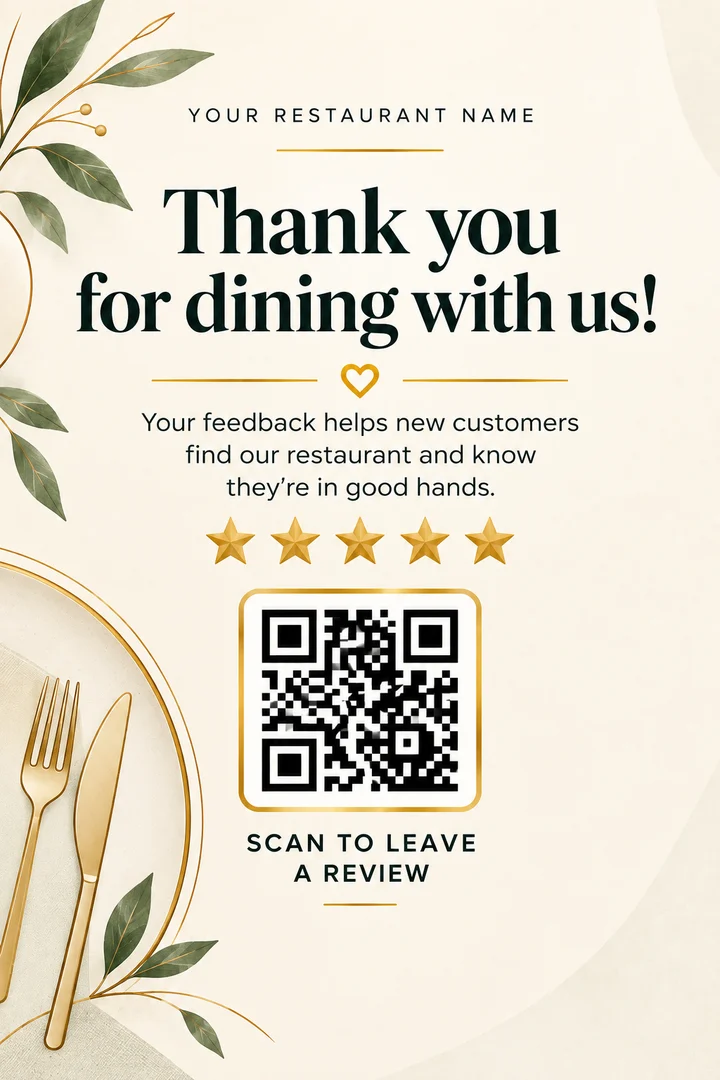
Restaurant template preview. Personalized with your restaurant’s details and Google review link.
A restaurant review card gives diners a direct way to leave a Google review after their visit. The QR code opens the review page for your restaurant’s Google Business Profile, so guests do not have to search for the right location.
Match the card to your menu, signage or takeaway packaging. A short thank-you and a clear scan instruction are enough: the invitation should feel like part of your hospitality.
See how personalization worksTHE RIGHT MOMENT
Place a small card in the bill presenter once the meal is complete. Let guests decide whether to scan before leaving or take it home.
Include a card with the receipt or in the bag, away from food and moisture. Invite guests to review after they have tried their meal.
Display a readable card near the exit or collection point. Keep it separate from your ordering or menu QR code to avoid confusion.
DESIGNED FOR THE TABLE
TEMPLATE DIRECTIONS
Olive leaves, a cream background and gold details make a warm invitation for a neighborhood restaurant or café.
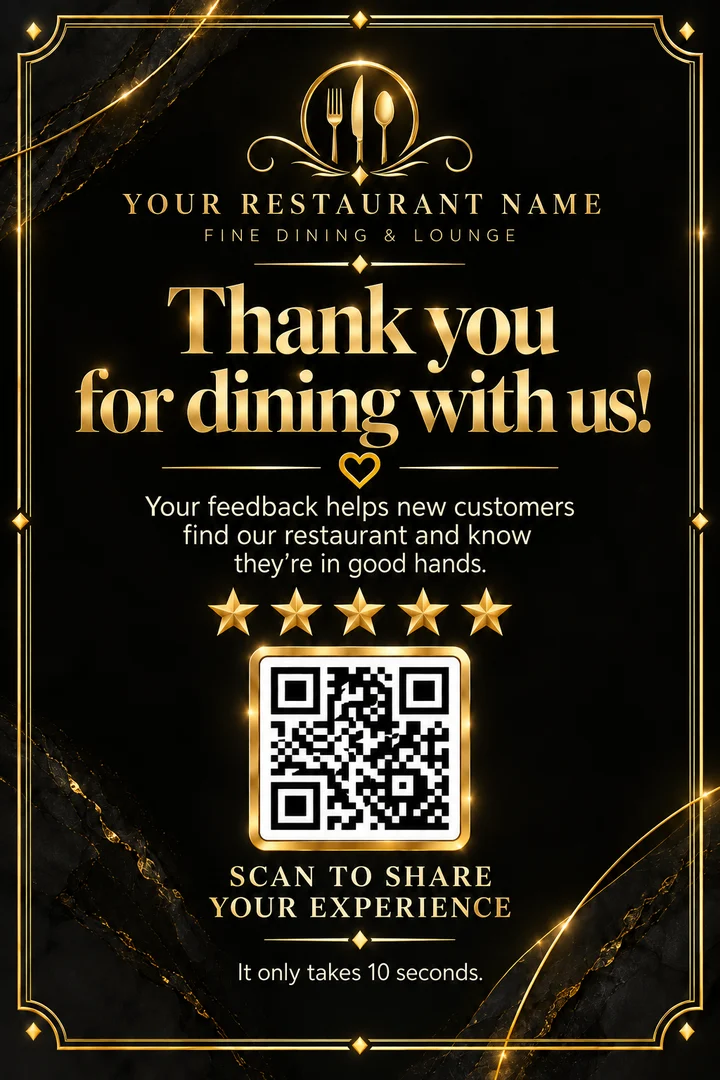
The black-and-gold restaurant template pairs a formal palette with a clear scan instruction for a dining room or lounge.
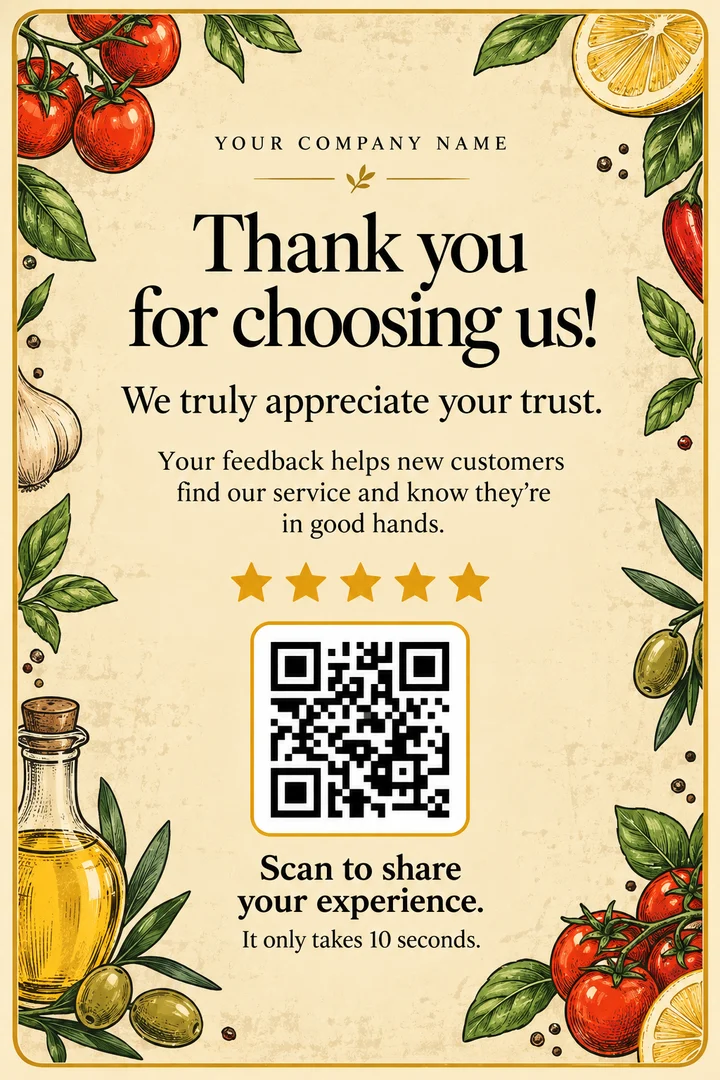
The Italian-inspired template uses tomatoes, citrus and olive oil around a cream thank-you card, suited to a trattoria or takeaway order.
Offer the same invitation to your diners. Do not ask only satisfied customers, request a particular rating, or offer discounts or free items in exchange for a review.
A suitable invitation: “Thank you for dining with us. If you’d like to share your experience, you can scan this card to leave a Google review.”
Read Google’s review-link guidance.
Use a separate QR code for each location. A direct Google review link is tied to one Business Profile, so every branch’s printed card should lead to its own review page.
No. This QR code opens your Google review page. Your menu QR code opens your menu. Label both clearly so guests know which to scan.
Yes. Use the print-ready file for the agreed card size. Test a proof before ordering a large print run, and check scanning again after any size change.