Best Google Review Cards for Business: QR Code, Digital, NFC & Done-for-You Options
If you have been searching for the best Google review cards for business, you have probably noticed that very different products are sold under almost the same name.
Some sellers give you nothing more than a QR code. Others sell an editable Canva template. Some create the finished card for you. And then there are physical NFC products that customers tap with their phones instead of scanning.
The easiest way to understand the market is to separate two questions:
What are you actually buying?
A raw QR code, a template you customize yourself, or a finished professional review card.
How will the customer open the review page?
By scanning a QR code or tapping an NFC-enabled physical product.
Once you separate those two decisions, choosing a Google review card becomes much easier.
Quick Comparison
| Option | What you receive | Work required from you | Hardware |
|---|---|---|---|
| Raw Google review QR code | A QR code linked to your review page | You create the design and decide how to display it | None |
| Editable review card template | Canva or another editable template | You customize the design, add the QR code, export and test it | None |
| Done-for-you digital Google review card | Finished customized card with your QR code | Minimal — provide your business details | None |
| NFC tap card, stand or keychain | A physical product containing an NFC chip | Varies depending on whether the seller programs it | Yes |
All of these can ultimately send a customer to the same place: your Google review page.
The difference is how much setup you want to do yourself and whether you want a digital asset or physical hardware.
How Google Review Cards Work
A Google review card with QR code makes the path to your review page shorter.
Without one, a customer may need to search for your business, identify the correct Google Business Profile, find the review section and then leave feedback.
A review card gives them a direct route.
With QR code review cards, the customer scans the code using their phone camera.
With an NFC product, the customer taps or holds their compatible phone near the card, stand or keychain.
Either way, the purpose is the same: make it easier for a customer who wants to leave feedback to reach the correct review page.
Digital Google Review Cards with QR Code
A digital Google review card is a designed digital file containing your business information, a clear review request and a QR code connected to your Google review page.
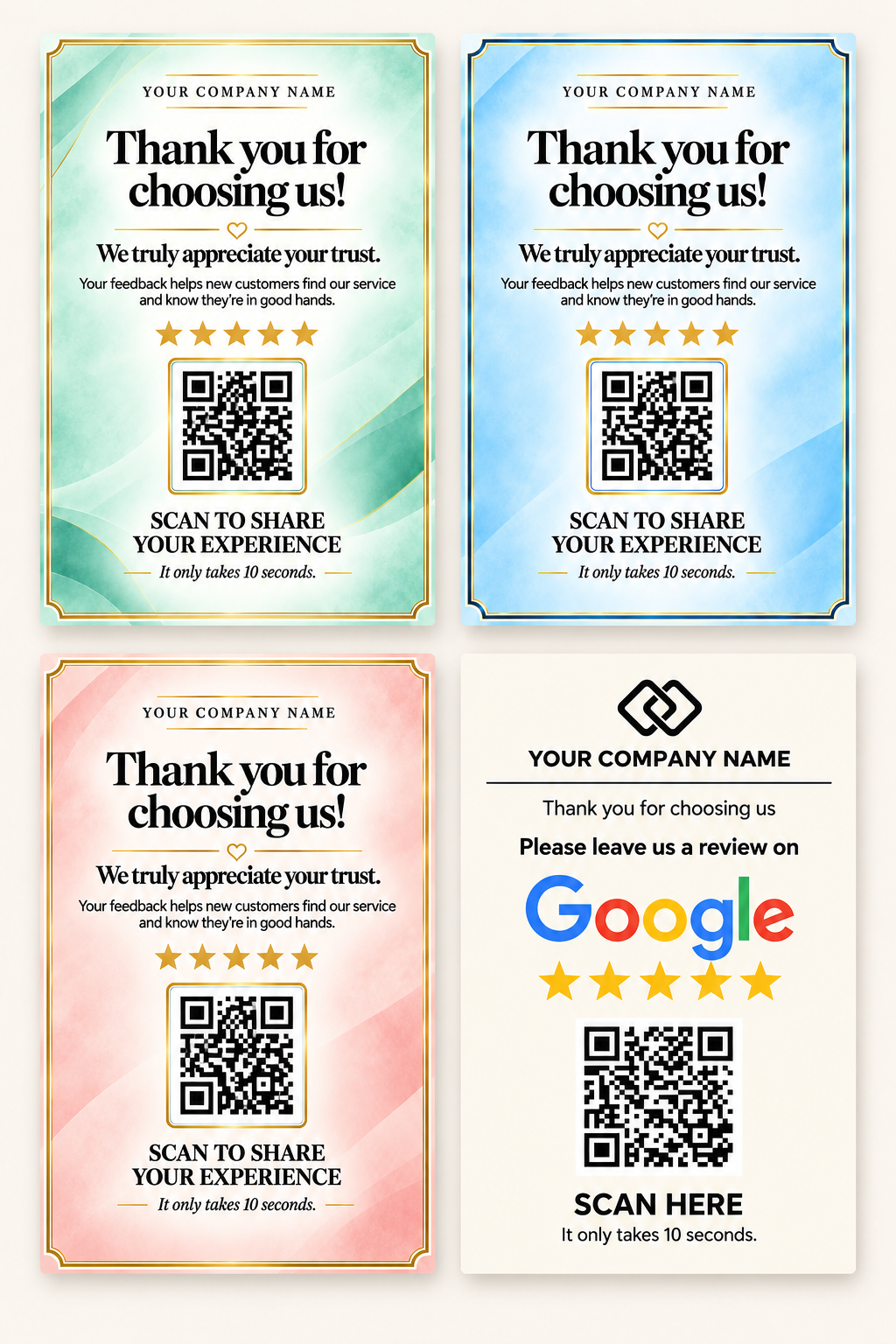
You can print the design yourself, send it to a print shop or use it in different physical formats around your business.
The main advantage is flexibility.
There is no NFC hardware to purchase or program. Once you have the finished file, you can print additional copies whenever you need them and use the design in different customer touchpoints.
A digital card can work as a countertop display, appointment handout, packaging insert, takeaway card, receipt insert or small poster.
And unlike a plain QR code, a professionally designed card explains what the customer is being asked to do and where the QR code will take them.
That distinction matters.
A QR code by itself is simply a technical shortcut.
A Google review card with QR code turns that shortcut into a customer-facing asset.
Raw QR Code vs Review Card
Google allows businesses to create a link that directs customers to their review page. That link can also be converted into a QR code.
So technically, you do not need to buy a product simply to obtain a QR code.
But a raw QR code still leaves you with several decisions:
- Where will you place it?
- What will the customer see around it?
- What wording should you use?
- How will the design match your business?
- Is the QR code large and clear enough?
- Does it point to the correct destination?
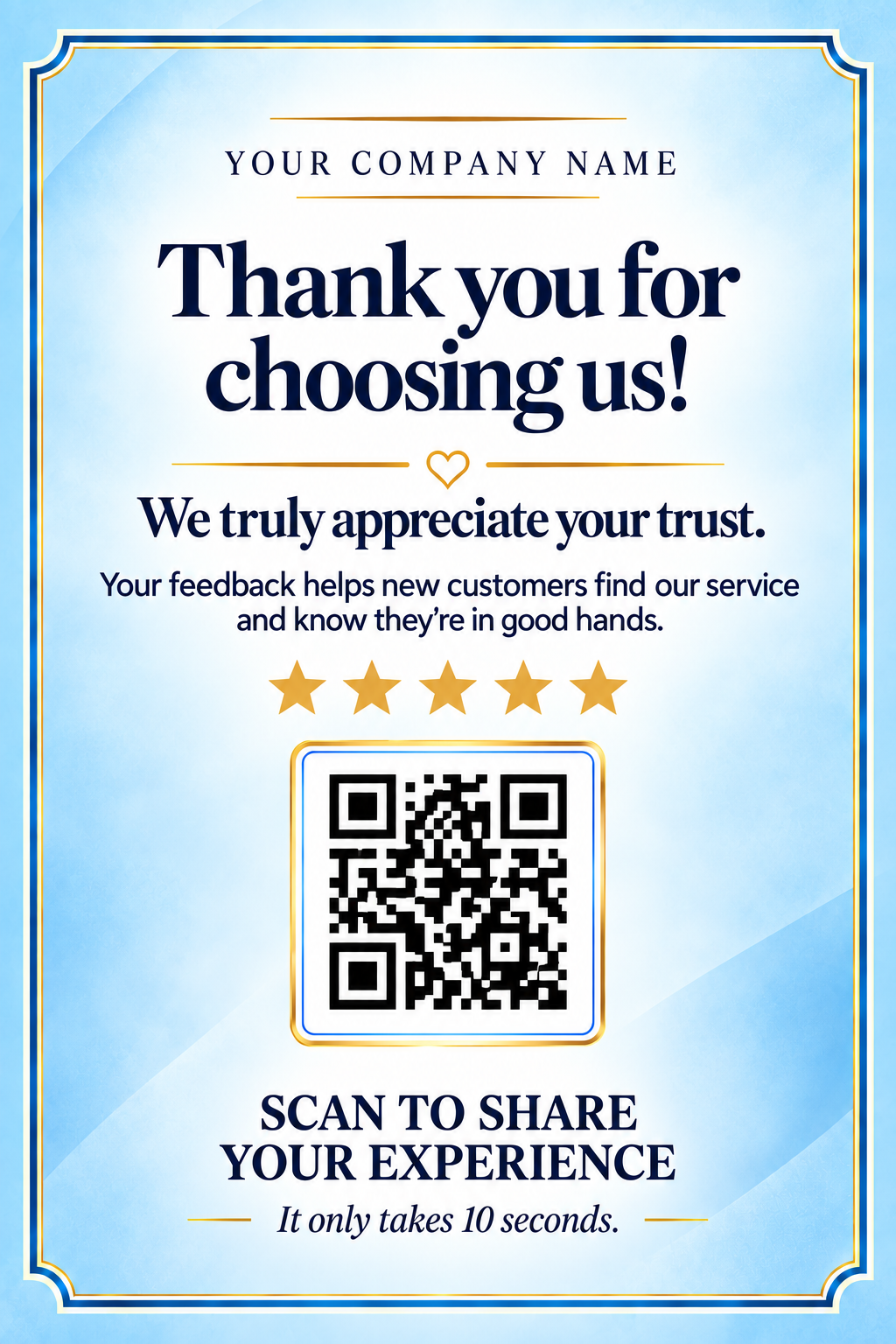
A finished Google review request card solves the design and presentation part of the problem.
Instead of displaying an unexplained square code, you give customers a clear visual request connected to your business.
Editable Templates vs Done-for-You Google Review Cards
This is probably the most important distinction when comparing digital products.
Editable Google Review Card Templates
An editable template usually gives you access to a design in Canva or another design platform.
You then customize it yourself.
That can mean changing the business name, adjusting fonts and colors, finding your Google review link, generating the QR code, inserting it into the design, exporting the finished file and testing the result.
There is nothing wrong with that approach.
For someone comfortable with Canva who wants complete control over the design, a template can be inexpensive and flexible.
But the product you are buying is essentially the starting point.
Done-for-You Custom Google Review Cards
A done-for-you card reverses that arrangement.
You provide your business details and review destination. The seller prepares the finished card for you.
Your business information and QR code are already incorporated into the design, so there is no Canva editing or QR-code setup required.
The product is therefore not really the template.
It is the finished asset.
That is particularly relevant when comparing customizable Google review cards online. “Customizable” can mean two very different things:
You receive something you can customize yourself.
Or the seller customizes it for you.
Those are different products with very different levels of convenience.
What Makes an Easy to Use Google Review Card?
If you are looking for an easy to use Google review card, simplicity matters more than clever design tricks.
The customer should immediately understand three things:
What am I being asked to do?
Leave feedback or review the business.
What should I do next?
Scan the QR code.
Where will it take me?
The business's Google review page.
The strongest review cards therefore tend to have a clear call to action, an obvious QR code, enough visual contrast for easy scanning and very little competing information.
The QR code should also be tested before the card is used with customers.
A beautiful card with the wrong destination is just unusually attractive clutter.
NFC Google Review Cards
An NFC Google review card works differently.
NFC stands for near-field communication. It is the short-range wireless technology used in many contactless interactions.
Instead of scanning a QR code, the customer holds a compatible phone near the NFC chip. The phone then offers to open the programmed review link.
These are physical products rather than downloadable files.
NFC Tap Cards
A tap card looks similar to a normal plastic card but contains an NFC chip.
It can be placed near a checkout, reception desk or other point where customers naturally interact with staff.
Some sellers program the card for the business before shipping it. Others provide instructions for programming the chip yourself.
NFC Review Stands
A larger version is the countertop NFC review stand.
These work particularly well in locations where the review request stays permanently in the same place, such as a salon reception desk, café counter, gym desk or clinic reception area.
Many stands combine NFC and QR codes, giving customers both options.
They can tap if they understand NFC or simply scan the QR code.
NFC Review Keychains
Another variation is the NFC review keychain.
Instead of remaining on a counter, the NFC chip is built into a small portable tag or keychain.
That can be useful for professionals who meet customers in different locations rather than operating from one permanent counter.
A tradesperson, mobile service provider or member of staff can carry the review link with them and present it when appropriate.
Again, many NFC products also include a QR code as a fallback.
QR Code vs NFC: Which Is Easier?
Neither technology is automatically better for every business.
QR codes have one obvious advantage: nearly everyone recognizes what to do with them.
Open the phone camera. Scan.
They also require no special physical hardware beyond whatever you choose to print the design on.
NFC can make the interaction feel even quicker because the customer only needs to bring the phone close to the product. But it relies on compatible hardware and on the customer understanding the tap interaction.
That is why combined NFC + QR products are common.
The NFC interaction provides the tap option while the visible QR code provides a familiar fallback.
What Are Google Review Business Cards?
The phrase Google review business cards generally refers to small business-card-sized cards that ask customers to leave a Google review.
They may contain a QR code, NFC technology or both.
Some are printed and shipped by a seller. Others are delivered as digital files that the business prints locally.
The size does not change the underlying function: the card creates an easier path from a customer interaction to the business's Google review page.
Google Business Review Cards for Different Types of Businesses
Different businesses have different customer handoff moments.
A salon might place a review card beside reception.
A cleaner or contractor might hand over a small card after completing a job.
A café might place a QR review card near the payment terminal.
A clinic might display one at reception.
An online seller could include a printed review card with an order.
A mobile professional might prefer an NFC keychain or portable tap card.
The best format is therefore the one that fits naturally into the way customers already interact with the business.
Where to Place a Google Review Card
A review request works best when customers actually see it.
Useful placements include checkout counters, front desks, reception areas, tables, packaging inserts, takeaway bags, appointment handouts and printed materials handed to customers after a completed service.
The common factor is timing.
The card should appear at a natural point in the customer journey rather than being hidden somewhere nobody notices.
And if you use several copies of the same digital card, they can all point to the same Google review destination.
Google Review Cards and Review Policies
Businesses can ask customers to leave genuine Google reviews.
The important principle is that the request should be for honest feedback, not specifically for positive or five-star feedback.
Review incentives, selectively asking only happy customers, or offering something in exchange for a positive review can create policy problems.
Simple wording works well:
Scan to review us on Google.
Tell us how we did.
We'd love your feedback.
A Google review card should make leaving genuine feedback easier, not tell the customer what their opinion should be.
So Which Google Review Card Should You Choose?
Before you buy, review these five things to check before you order Google review cards.
Start with the amount of work you want to do yourself.
If you only need the technical destination and are happy to create everything else, use your Google review link and QR code.
If you enjoy design work and want complete control, an editable Canva template can make sense.
If you want the finished design without editing, generating or configuring it yourself, choose a done-for-you digital Google review card.
And if you want a permanent physical interaction point, consider an NFC tap card, stand or keychain — ideally with a QR option as well.
The real comparison is therefore not simply QR versus NFC.
It is also:
Do you want a tool to build the asset yourself, or do you want the finished asset?