Digital Google Review Card: What It Is, How It Works & When to Use One
A digital Google review card is a review-request design that businesses can receive electronically, display on a screen, or print for customers. It typically includes a QR code linked directly to the business's Google review page, along with a short message inviting customers to share their experience.
Unlike a physical NFC card, a digital review card doesn't require special hardware. And unlike a plain QR code, a complete review card combines the code with a design that customers can recognize and understand.
Here's how digital Google review cards work, where they make sense, and what to consider before getting one for your business.
What Exactly Is a Digital Google Review Card?
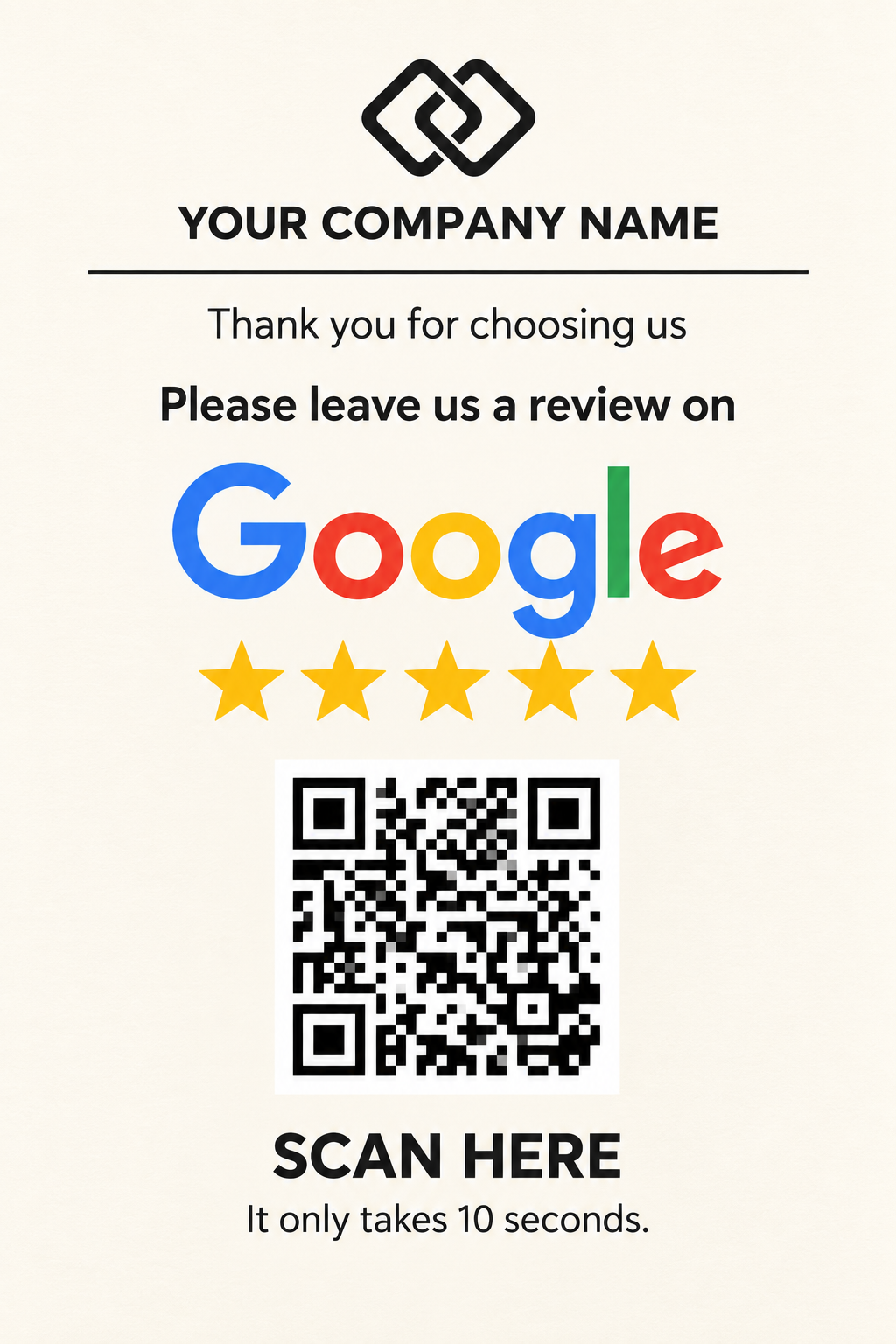
Think of it as a digital file containing a ready-to-use review request.
A typical card includes:
- Your business name or branding
- A QR code connected to your Google review page
- A short message, such as "Scan to leave us a Google review"
- A layout designed for customers to read and scan easily
The finished design can be saved electronically and used in different ways.
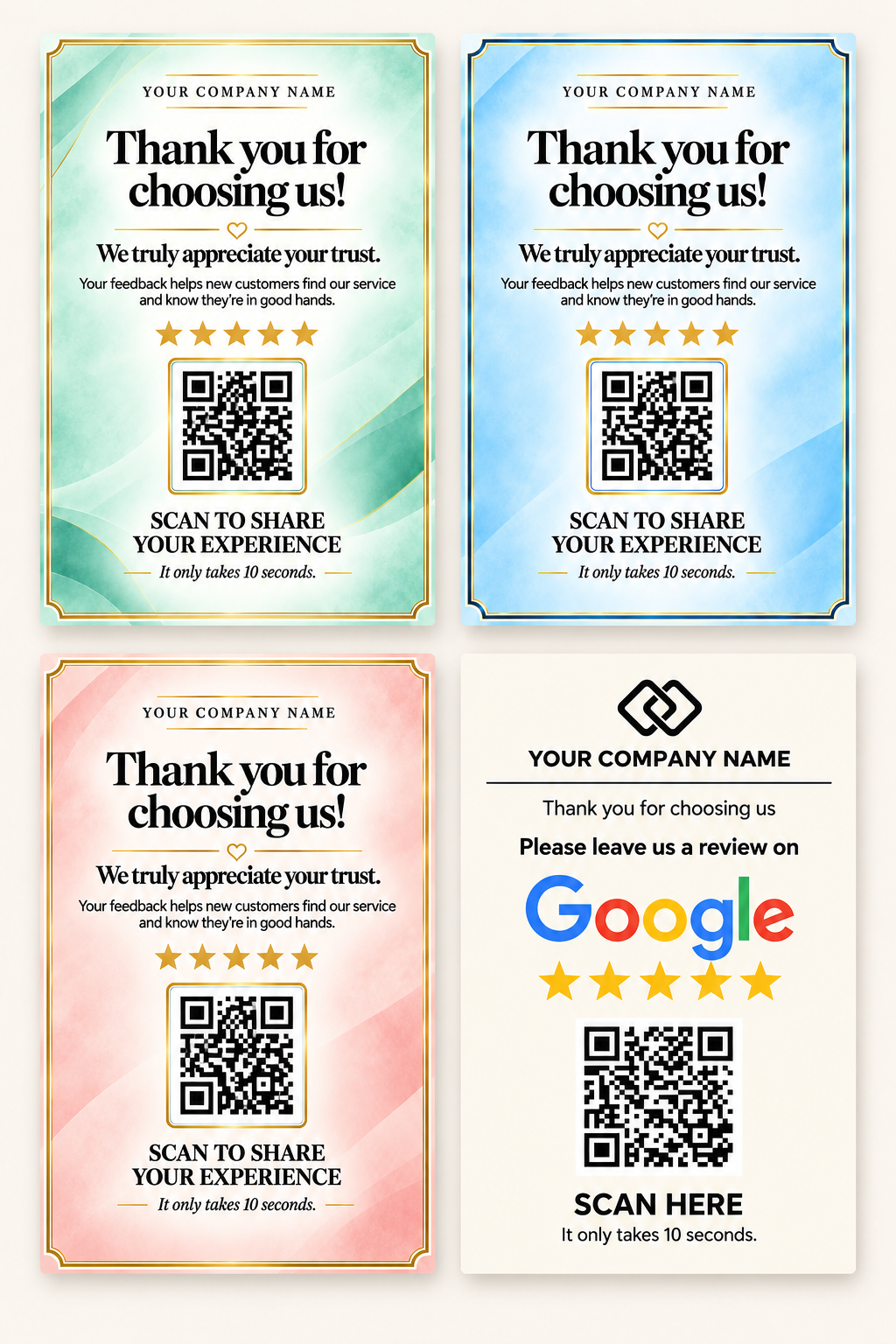
For example, a restaurant could print several copies and place them in tabletop holders. A salon could display the card on a tablet near reception. A contractor could include a printed version with the paperwork provided after completing a job.
The card serves as a visual invitation to leave a review. The QR code provides the shortcut to the review page.
One important distinction: Not every product advertised as a "digital Google review card" is the same.
Some sellers offer editable templates. Others supply a finished, personalized design. Still others use the term for NFC-enabled physical products or hosted digital services.
Before buying, check exactly what you're receiving.
How Does a Digital Google Review Card Work?
The mechanism is simple.
- Your business has a Google review link. This is the destination customers use to leave feedback on your Google Business Profile.
- The link is converted into a QR code. That code is placed inside the digital card design.
- A customer scans the code. Their smartphone opens the linked Google review page, where they can submit a rating and written feedback.
Customers generally don't need a separate QR scanner app. Most modern smartphones can scan QR codes using their camera.
They do, however, need to be signed in to a Google account to submit a review.
The card doesn't collect the review itself or store customer feedback. The actual review is submitted through Google.
This is why the destination link matters. A QR code pointing to your website homepage isn't equivalent to one that opens the Google review form.
Digital Doesn't Mean the Card Has to Stay Digital
This is one of the most useful things to understand about digital Google review cards.
The word "digital" usually describes how the card is created and delivered—not necessarily how you use it.
A digital design can become a physical review card simply by printing it.
For example, suppose you operate a hair salon with three styling stations and a reception desk.
You could use the same design to create:
- A small printed card at reception
- A tabletop display near the checkout area
- A larger printed sign in a waiting area
- A digital version displayed on a separate screen
You don't need four different designs if the layout and image quality suit all four uses.
A printable Google review card gives you flexibility. You decide where and how to display the finished design.
Just remember that a file suitable for a small card isn't automatically suitable for a large poster. Print quality depends on the resolution, file format, and final dimensions.
When Should You Use a Digital Google Review Card?
A digital card is most useful when customers interact with your business in person and can easily scan a QR code.
Here are a few practical examples.
Restaurants and Cafés
Place a printed card near the checkout counter or in a tabletop holder.
Customers can scan the code at their convenience without searching for the restaurant on Google Maps.
A simple message such as "How was your visit? Share your experience on Google" explains what the card is for.
Salons and Spas
A digital review card can be printed for the reception area or displayed on a tablet.
It creates a visible, optional way for customers to share feedback after their appointment.
Contractors and Home-Service Businesses
A plumber, electrician, or cleaning company might print the design on a thank-you card included with the completed job paperwork.
For customers who receive electronic invoices, a direct clickable review link is usually more convenient than a QR code image alone.
Retail Stores
A small card near the payment terminal can make the review request visible without requiring staff to repeat the same explanation to every customer.
The card can remain in place and be used repeatedly.
When a Digital Card Isn't the Best Option
There is one practical limitation that businesses often overlook.
A QR code is designed to be scanned by a camera. But what happens when the customer receives the card on the same smartphone they're supposed to scan it with?
Imagine sending a digital review card as an image through WhatsApp.
The customer opens the image on their phone and sees the QR code. They may be able to use their phone's built-in image recognition features to open it, but that's an extra step that not everyone knows how to perform.
A better approach is to include a clickable Google review link in the message.
Here's a simple guide:
| Customer Situation | Better Approach |
|---|---|
| Customer is standing at your counter | Printed QR card |
| Customer sees a card on a tablet or monitor | Digital QR card on screen |
| Customer receives an email | Clickable review link |
| Customer receives a WhatsApp message | Clickable review link |
| Customer receives a printed thank-you note | Printed QR card |
You can use a card image in electronic messages for branding, but don't make customers struggle to open a link that's already on their phone.
The goal is convenience, not making the customer solve a tiny technology puzzle.
Digital Google Review Card vs. NFC Card: What's the Difference?
Digital review cards and NFC review cards can lead customers to the same Google review page, but they operate differently.
A digital Google review card with QR code can be displayed or printed without electronic components.
An NFC review card contains a physical chip. Customers hold a compatible smartphone near the chip to open the programmed destination.
NFC products can be convenient for face-to-face interactions, but they're physical products that require compatible hardware.
A QR-based digital card doesn't need that hardware. You can print multiple copies of the design and place them in different locations.
Neither method automatically produces more reviews. Both simply offer ways for customers to access the review page.
For a broader comparison of QR cards, NFC products, and other options, read our guide to the best Google review cards for business.
How to Get a Digital Google Review Card for Your Business
You have two main options: create the design yourself or order a personalized version.
Option 1: Create Your Own Card
If you're comfortable with basic design tools, you can build a digital card yourself.
For a step-by-step walkthrough, learn how to make a Google review card, from downloading the QR code to testing the printed design.
You'll need to:
- Get your direct Google review link from your Google Business Profile.
- Generate or download a QR code linked to that review page.
- Create a card design using a tool such as Canva.
- Add your business name and a short review request.
- Export the design and test the QR code.
Google provides instructions for creating a review link or QR code.
This approach gives you control over the design, although you'll need to handle the setup and testing.
Option 2: Order a Done-for-You Digital Review Card
If you'd rather skip the design work, you can order a card customized for your business.
With ReviewCardsApp's digital Google review cards, you provide your business information and Google review link.
The card is then personalized with your business details and a QR code connected to your review page. The code is tested before the finished digital design is delivered.
You don't need to create the QR code, insert it into a template, or edit a Canva file yourself.
What you're purchasing is the finished design—not a physical card or NFC device.
You can then print the delivered design and use it wherever customers normally encounter your review request.
What to Check Before Using Your Digital Review Card
Whether you make the card yourself or order a customized design, a few checks can prevent common problems.
Test the destination. Scan the QR code and confirm that it opens the correct Google review page, especially if your business has multiple locations.
Check the final size. A QR code that looks readable on a large monitor may be too small after printing.
Keep the instruction clear. Customers should immediately understand what the QR code does.
Use a readable design. Strong contrast, clear spacing around the QR code, and limited decorative elements help keep it easy to scan.
Make the request optional. Google allows businesses to request genuine reviews, but prohibits incentives, selective solicitation of positive reviews, and pressuring customers to leave reviews.
Use the direct link when appropriate. For email and messaging, a clickable review link is often easier than asking someone to scan a code on their own device.
You can review Google's policies on genuine customer reviews for further guidance.
Frequently Asked Questions
Is a Digital Google Review Card the Same as a Digital Business Card?
No. A digital business card normally shares contact details, such as a phone number, email address, or website.
A digital Google review card has a more specific purpose: directing customers to your Google review page so they can share feedback.
Do I Need an NFC Card to Collect Google Reviews?
No. A QR code linked to your Google review page is enough to give customers a direct way to access the review form.
NFC is an optional alternative, not a requirement.
Can I Print a Digital Google Review Card More Than Once?
Yes, provided you have a suitable digital design file and the right to print it.
You can create multiple printed copies for different locations, such as reception desks, counters, or customer handouts.
Does a Digital Google Review Card Automatically Get More Reviews?
No. It makes the review page easier to access, but customers still decide whether to leave feedback.
Results depend on factors such as where the card is displayed, how customers interact with it, and whether they choose to review your business.
Do I Need a Subscription to Use a Digital Review Card?
Not necessarily.
A simple QR-based digital design can be used without a recurring subscription. Some providers offer separate hosted or dynamic-link services with ongoing fees.
Check the product details before purchasing.
Is a Digital Google Review Card Right for Your Business?
If you regularly interact with customers in person, a digital Google review card can be a practical way to turn your review link into something visible and easy to use.
It's especially useful if you want a design you can print, display in multiple locations, and reuse without purchasing NFC hardware.
If most of your customer communication happens by email or text, prioritize a direct clickable review link. You can still use a branded card alongside it, but the link should remain easy to access.
And if you want a personalized review card without creating the design or configuring the QR code yourself, you can order a custom digital Google review card from ReviewCardsApp.
The most useful choice is the one that fits how your customers actually interact with your business.